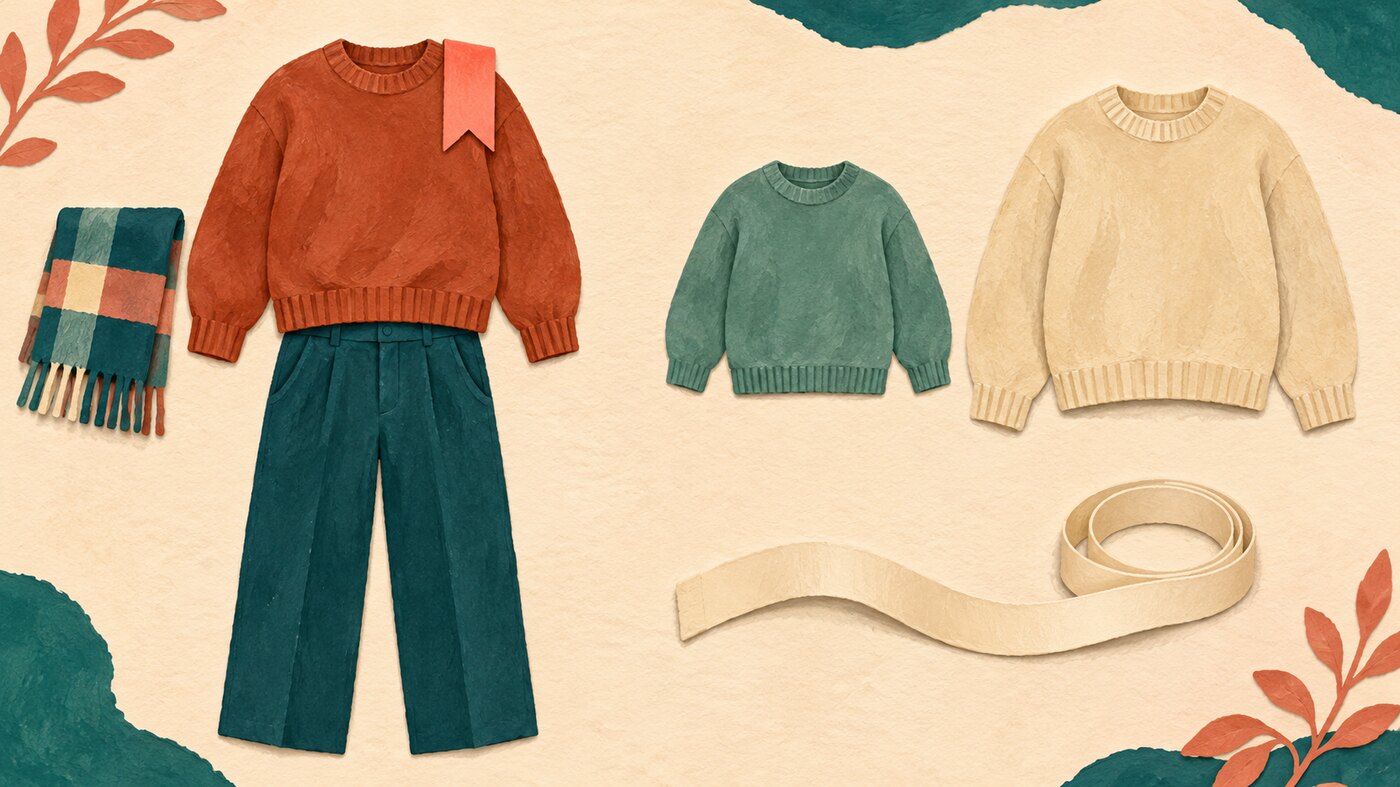
Start with outfits you already wear. For each piece you might buy, write down what it would add, what you'd wear it with and which size you need to verify. Give first priority to something that fills a recurring need, such as replacing a worn-out jumper you wear to work.
Use one card for each wardrobe gap
| Field | Example |
|---|---|
| Purpose | Replace a jumper I wear to work on cooler days |
| Outfits | With dark trousers and a scarf, or with jeans and a coat |
| Options | Rust is my first choice. Navy is fine if it works with both outfits. |
| Size | Check this model's chart against a jumper that fits. An M can vary by cut and brand. |
| Priority and next action | First if it works in both outfits. Check the seller's chart before buying. |
Use the same prompts in a notebook: purpose / outfits / options / what to check / priority / next action. Keep interchangeable items on one card so you can choose one without buying two things for the same job.
Check sizing and set priorities
- Open the chart for the exact item. Check whether it lists garment dimensions or body measurements and compare like with like in the same units. Keep personal measurements off a board you plan to share.
- If two pieces fill the same gap, compare them on the same criteria. Check outfits, sizing and how useful the purchase would be. Mark a first choice and a fallback.
- Prioritise pieces with a clear purpose and an outfit ready to go. Put off items that would require another purchase or whose size you still need to check.
If someone else will read the card, see how to specify size, colour and model. Use the seller's size label for the exact piece and keep any personal measurements, documents and order details elsewhere.
Move your shortlist onto a board
On the Osanta wishlist board, a card can have a name, description, link, picture and section. Add outfit ideas, priority and the next step in the description. Start with one piece you already have something to wear with, then add the link to the exact model.
Making a wish list?
Create a wishlist and send the link to friends so they can choose a gift without extra questions.
Questions on this topic
How many outfits should I list?
Start with one outfit you already wear. A second can help you decide whether this purchase comes first.
How do I record two versions of the same piece?
Keep one card for the purpose. List the preferred and backup options in the description and say what would decide between them.
What if I haven't checked the size yet?
Add a note to check the seller's chart. Wait to buy until you've confirmed a size or arranged a fitting.
What should I include if I share the board?
Include the model, the seller's size label and acceptable colours. Keep measurements and order details elsewhere.